Ordinis — Accueil
Cette page est affichée en anglais.

Kosmo Wave · by Kosmo, part of the Ordinis family

Your music, all of it.

Kosmo Wave plays the whole music library on your home server, next to live radio from around the world and the podcasts you follow. It opens with “Good morning”, an album of the day and one button to shuffle everything you own.

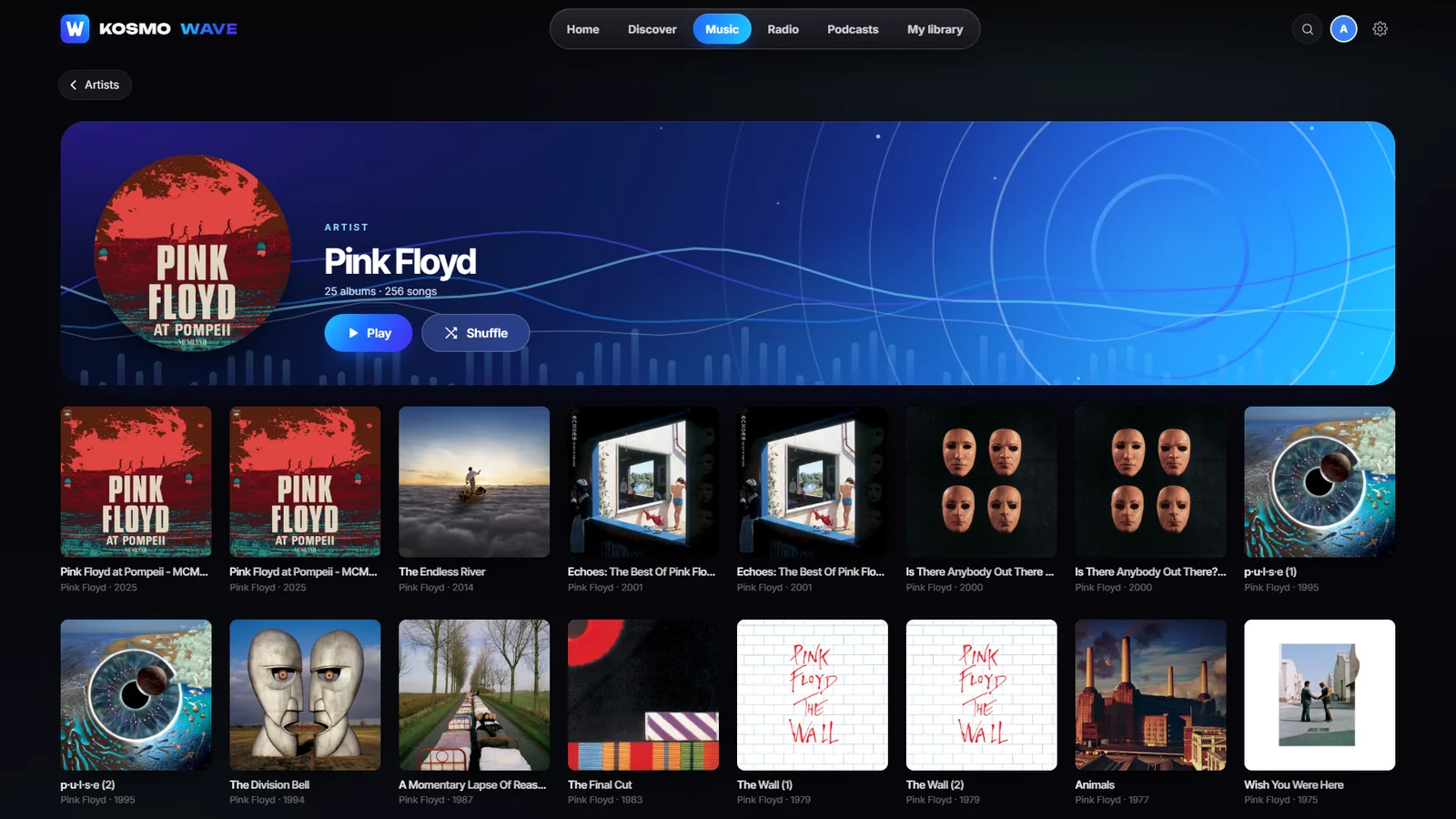
A Kosmo Wave artist page in the dark blue theme: Pink Floyd with Play and Shuffle, and all their albums as a grid of covers.
An artist and every album, from your own library.

Who it’s for

For households with a music collection

Music collectors

Every album and artist on the household’s server, with its artwork, ready to play.

Radio listeners

Live stations by country, a Station of the day and your own stations.

Podcast fans

The podcast charts by country, opening almost instantly.

Home

A Home that fills the screen

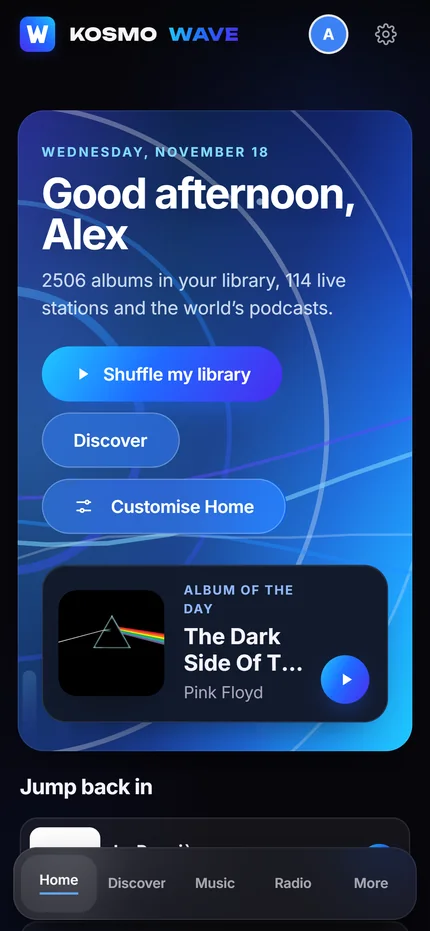
The Kosmo Wave Home banner in the dark theme: a greeting for Alex, Shuffle my library, Discover, Customise Home and the Album of the day.
Shuffle everything, or start with the album of the day.
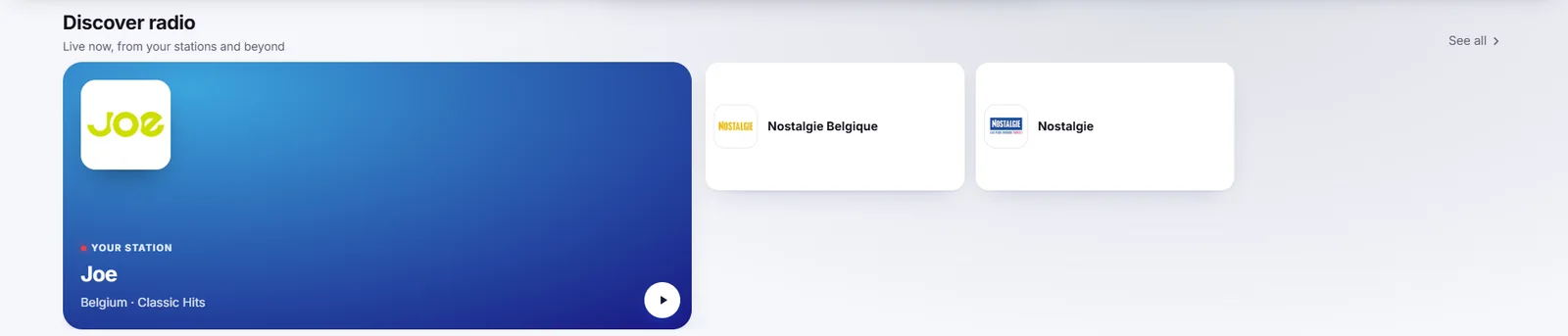
The Kosmo Wave Home section Discover radio, with a station of the day and similar stations.
Discover radio, from your stations.

Something new every day

An Album of the day, a Station of the day and “Never played” picks bring back the music you forgot you had. Each section fits the window, with nothing cut in half.
  • Shuffle my library in one tap
  • Browse by genre and decade
  • Explore podcasts and radio from the same Home
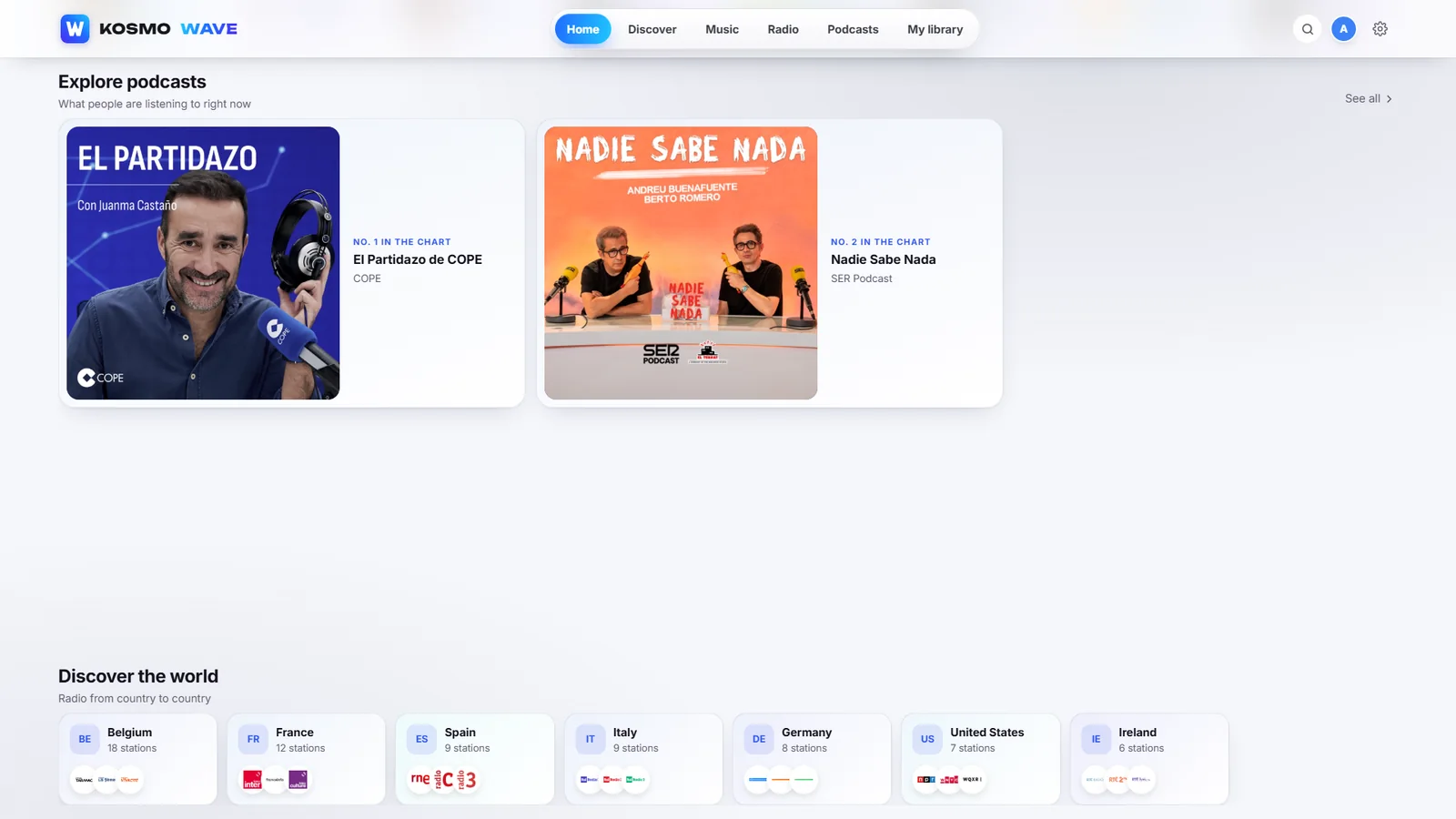
Kosmo Wave Home sections: Explore podcasts and Discover the world, radio by country.
Podcast charts and radio from around the world.

Music

Your own library, from your own server

Albums and artists, beautifully

Wave indexes the household’s music share and presents every album and artist with its artwork. Setup finds the server on your network and signs in once.
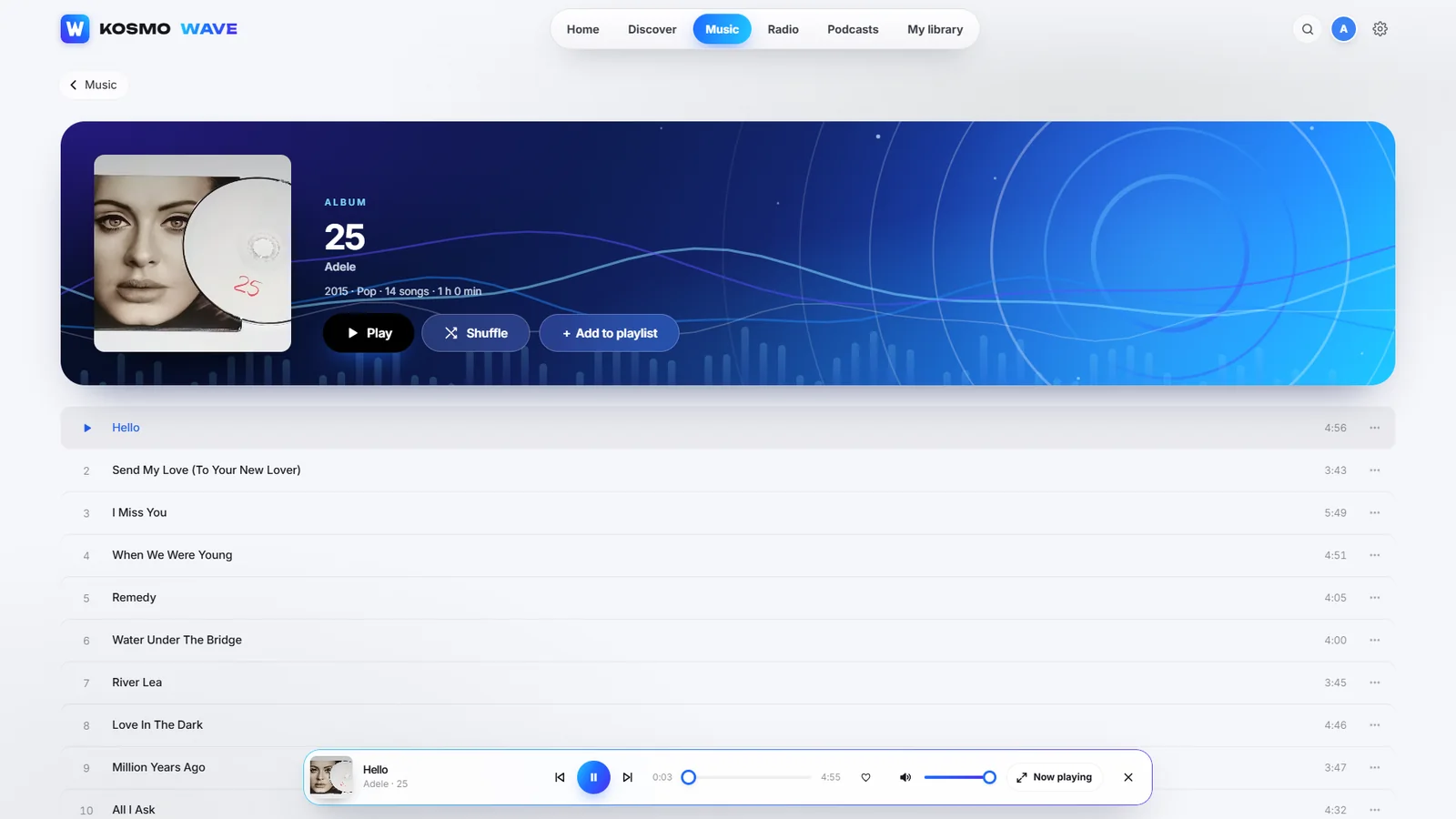
  • Albums, artists, playlists and genres
  • Finds your music folders on a NAS or a USB disk
  • Each person chooses their own theme
A Kosmo Wave album page in the light theme with the track list and the mini player playing.
An album, playing.

A full Now Playing screen

A large cover, the Up next queue, shuffle and repeat, a sleep timer, add to playlist, and the song’s official video when there is one.
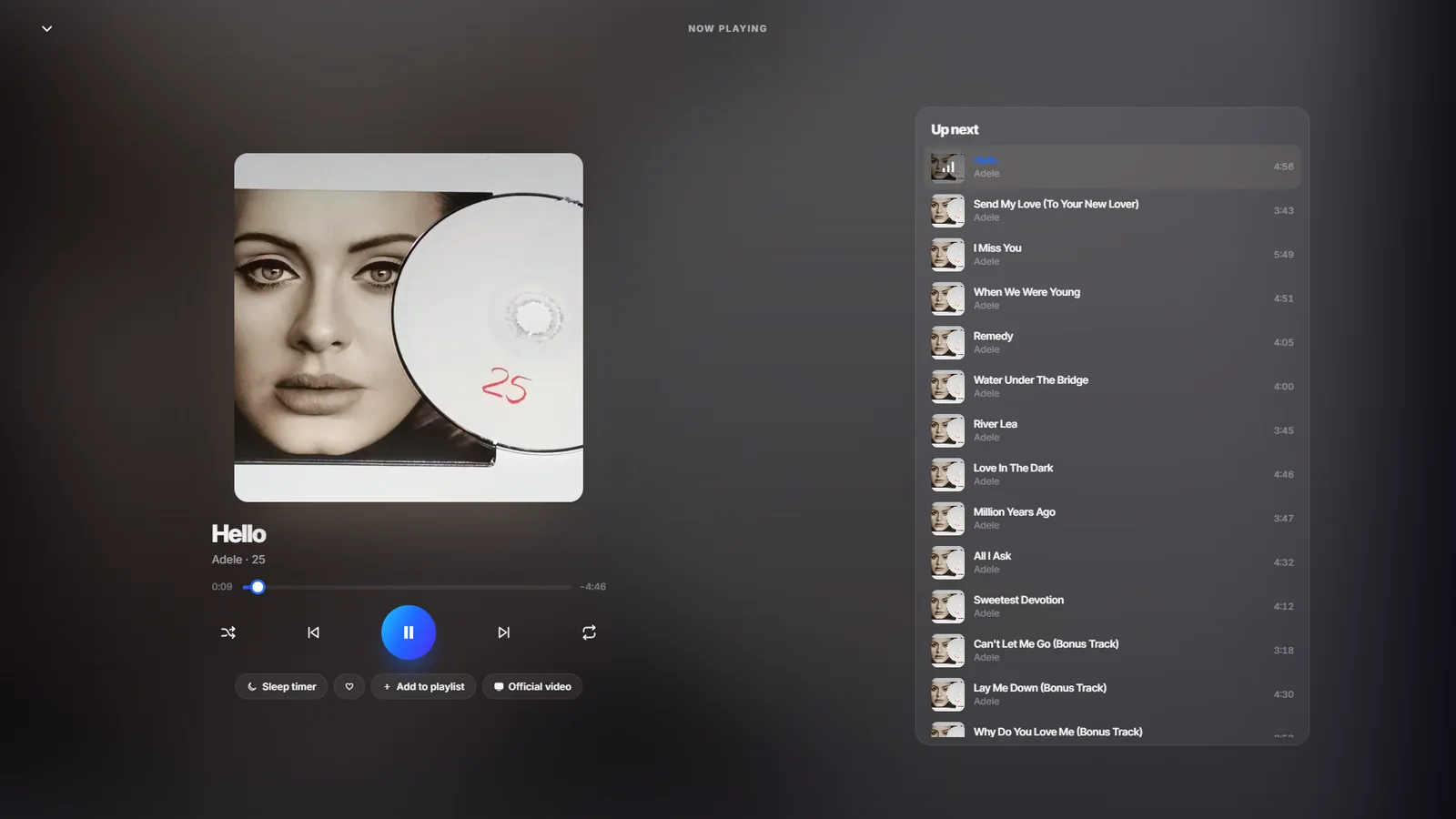
The Kosmo Wave Now Playing screen with a large album cover, playback controls and the Up next queue.
Now Playing.

Radio and podcasts

The world’s radio, and podcasts that open instantly

Live radio by country

Filter by country, category and language, keep your stations close, and press play.
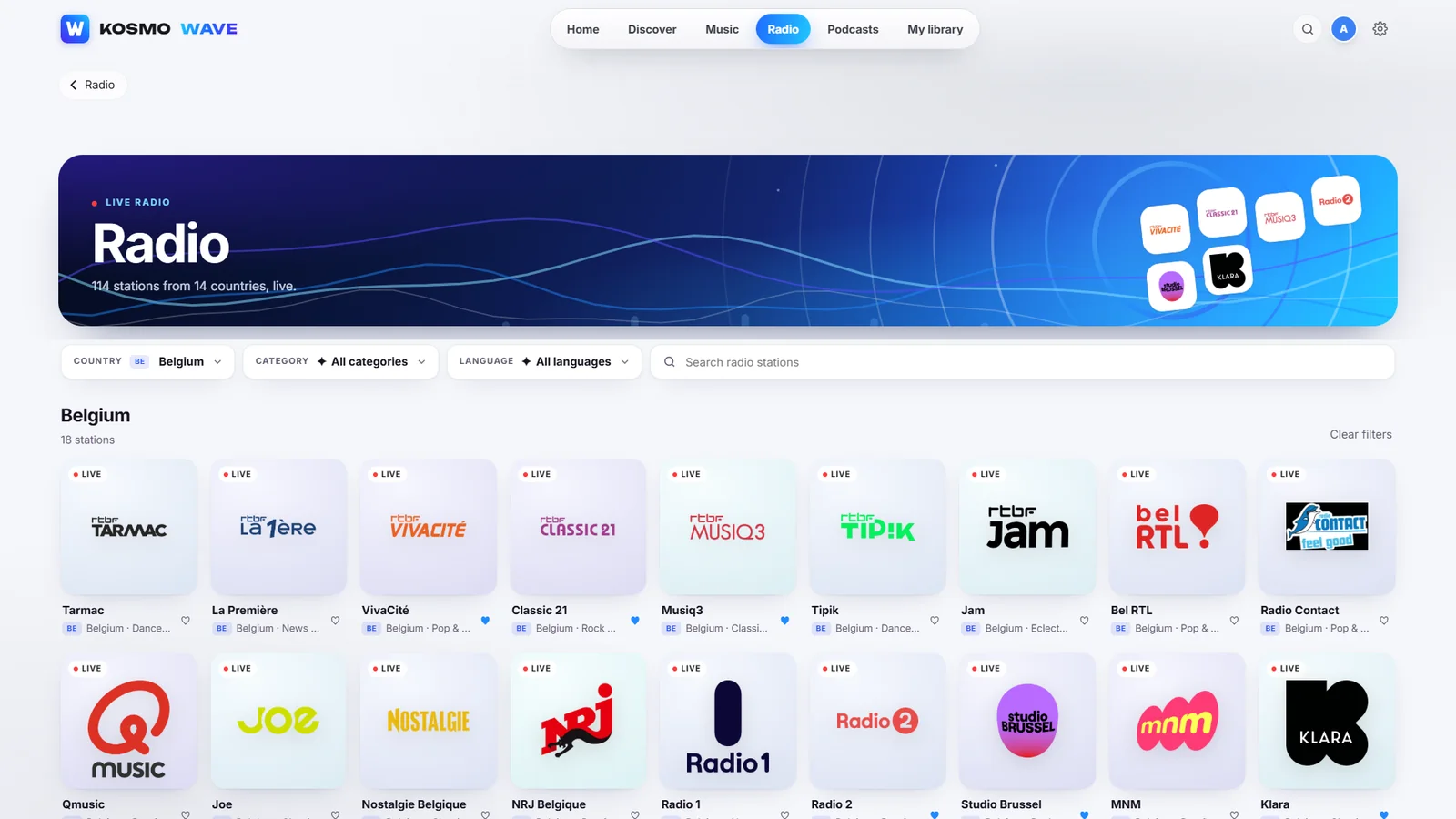
The Kosmo Wave Radio page filtered to Belgium with live stations such as La Première, VivaCité, Classic 21, Tipik and Klara.
Radio, live from Belgium and the world.

Podcasts from the charts

Top podcasts by country and category, with new episodes as they appear.
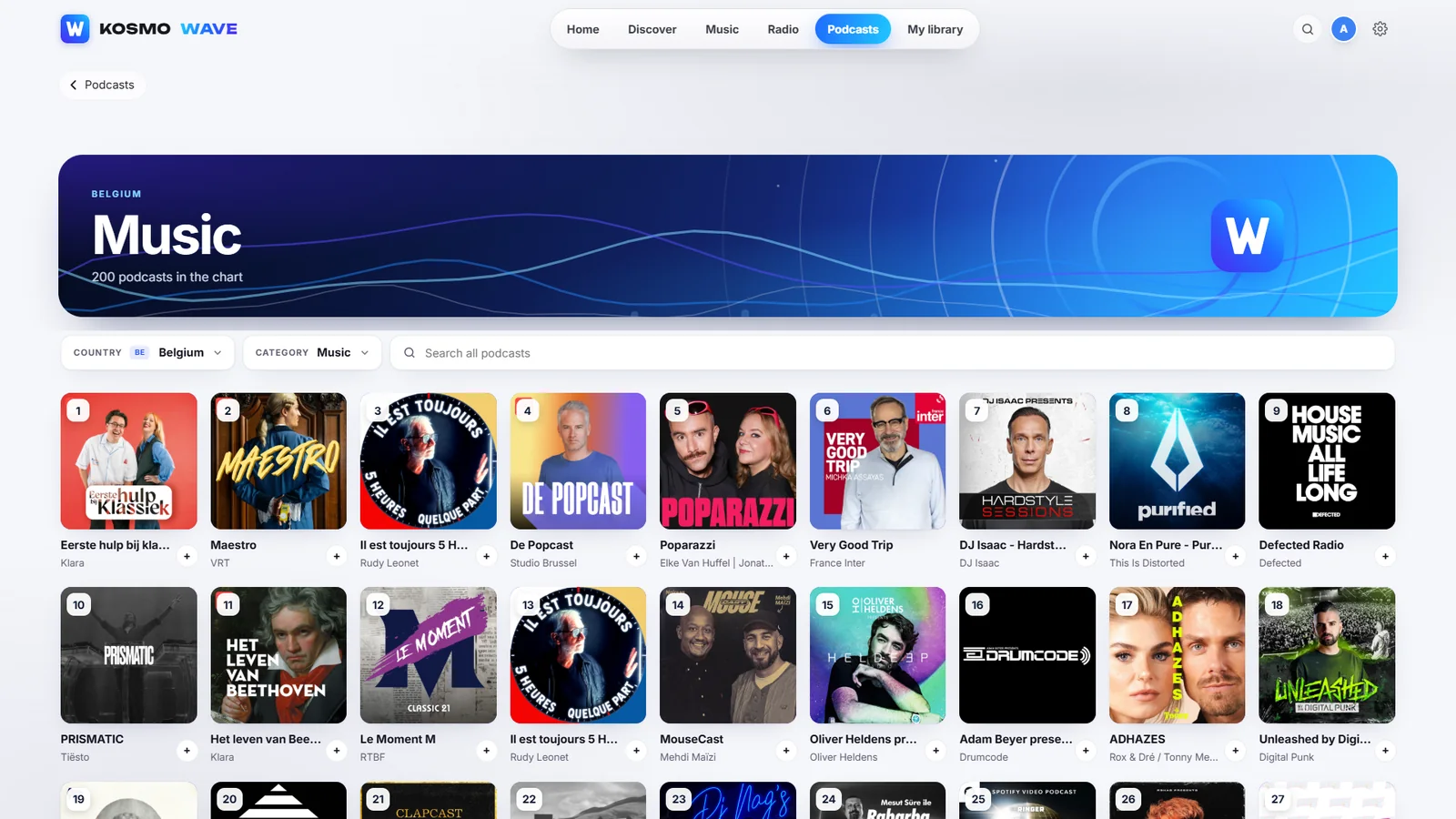
The Kosmo Wave Podcasts page with the top podcasts in all countries.
Podcasts.

Now playing, live

Radio gets the same full Now Playing screen as your music, with a sleep timer.
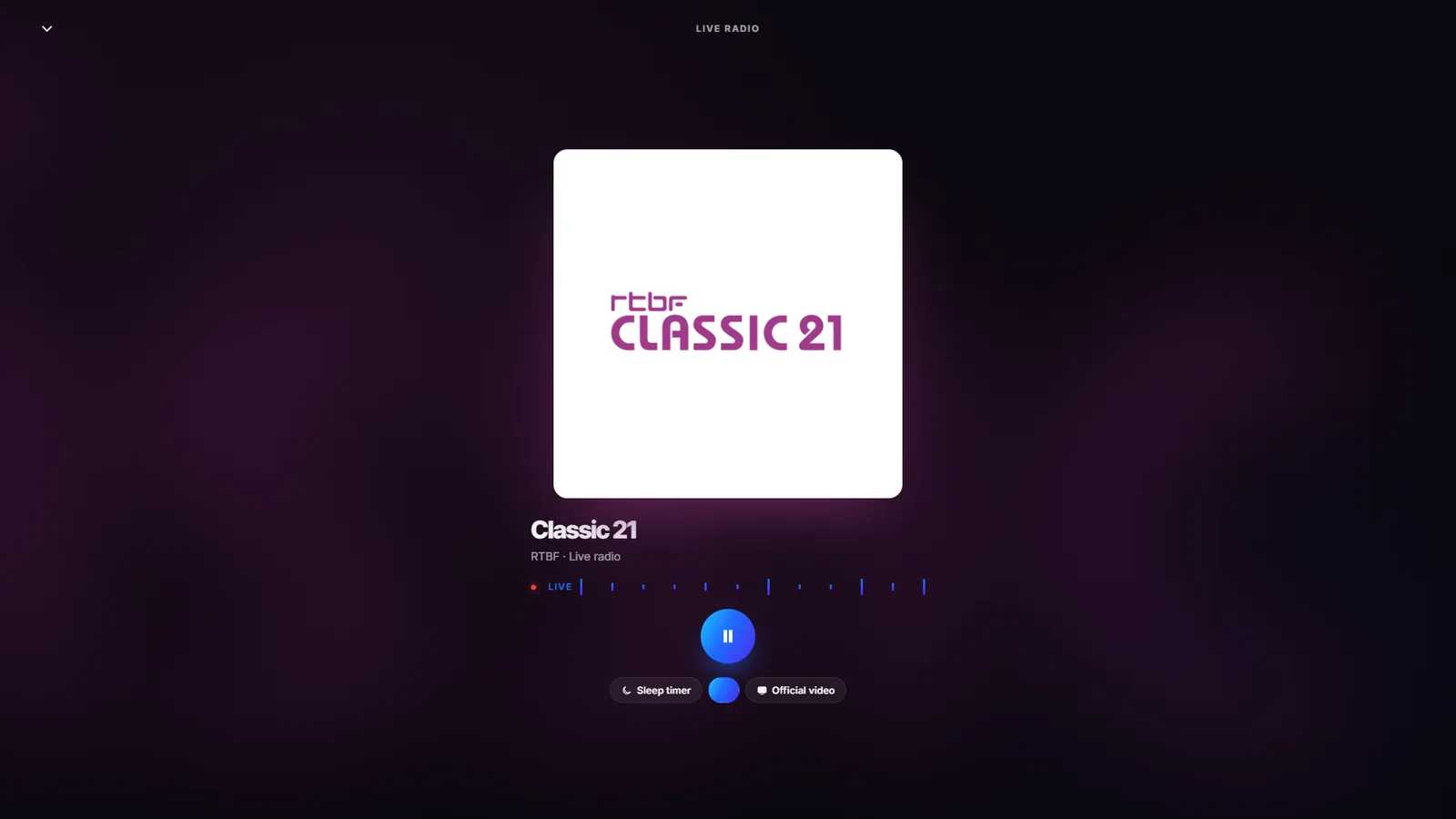
Kosmo Wave playing the live radio station Classic 21, with its logo large on a dark background.
Classic 21, live.

Live radio

A Station of the day, your stations, and “Discover the world”: live radio by country.

Podcasts

Explore the podcast charts by country. The podcast pages open in about a tenth of a second.

Never played

Daily picks from the albums nobody in the house has played yet.

Every screen

Light by day, dark at night

The Kosmo Wave Home banner in its light theme.
Kosmo Wave by day.
Kosmo Wave on a phone: Good morning, Alex, Shuffle my library and the Album of the day.
Kosmo Wave on a phone.

Windows and Linux

Desktop apps for Windows and Linux, connected to the same household server as Kosmo MAX.

One household

The same profiles as Kosmo MAX; each person chooses their own theme.

Follows the day

Light in the daytime and dark at night, automatically, like the rest of Kosmo.

Privacy and security

What stays on your device, and what goes online

Your music stays at home

The library is indexed and played from the household’s own server.

Radio and podcasts from their sources

Live radio and podcast episodes stream from the stations and publishers themselves.

Official videos

A song’s official video, when there is one, is found through Wikidata and embedded from YouTube.

Platforms

Platforms and requirements

Desktop
Kosmo Wave for Windows and Linux · version 0.3.3
Server
The household’s Kosmo server, the same one as Kosmo MAX
Music folders
On a NAS or a USB disk; setup finds the server on your network
Themes
Light by day, dark at night, or each person’s own choice

Part of the family

How it works with the other Ordinis products

The same household server and profiles, for films, series and live TV.

Ordinis Player plays any music file on your own computer; Kosmo Wave plays the household’s library.

Recent milestones

What’s new

  • 0.3.3 · Every Home section fits the window, with nothing cut in half; music folders on a NAS found during setup.
  • Icon · A new blue W icon and a blue interface.
  • Podcasts · The podcast pages open in about a tenth of a second.
  • Never played · Daily picks from the albums nobody in the house has played yet.

Questions

Where does my music come from?
From the household’s music share on its own server, on a NAS or a USB disk. Wave indexes it and shows every album and artist.
Can every person have their own look?
Yes. Wave uses the same profiles as Kosmo MAX, and each person chooses their own theme.
Which radio stations are there?
Live stations from around the world, filtered by country, category and language.
Does it play podcasts?
Yes: the podcast charts by country and category, with new episodes as they appear.

Support us

Support Ordinis

Ordinis is independent. If an app helps you, you can support its development.

Support us

Payments are handled securely by Stripe.