
News readers
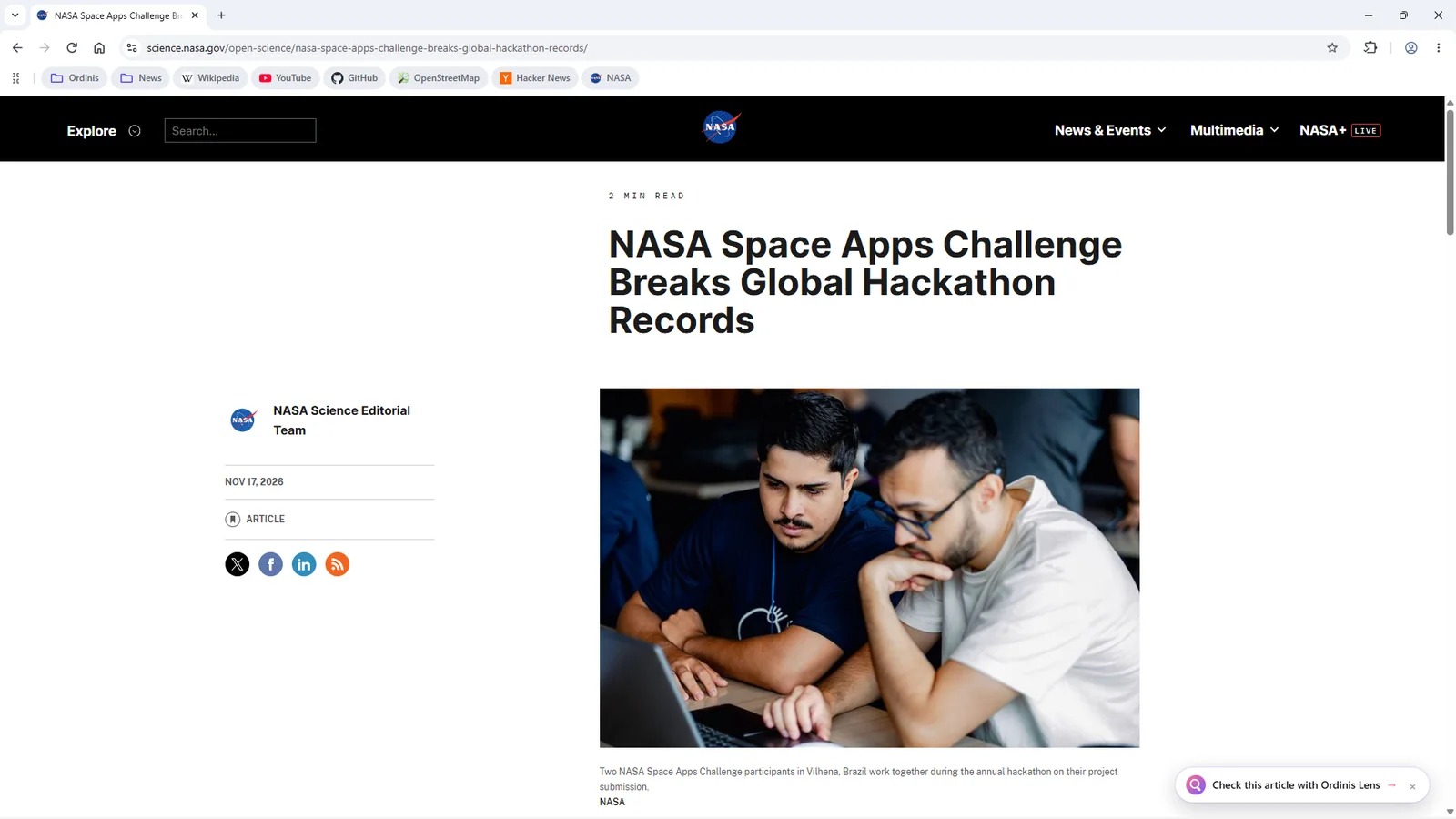
Ordinis Lens beside the article shows what public sources say about its claims.

Ordinis GO
Ordinis GO is a fast, Chromium-based browser with a quiet start page, built-in tracker blocking, Tor windows when you need them, and Ordinis Lens in the side panel to help you understand what you read.
Who it’s for
Ordinis Lens beside the article shows what public sources say about its claims.
Trackers blocked by default, Tor windows when you need them, and no usage metrics.
English, French, Dutch, German, Spanish and Italian, including the browser’s own menus.
The browser
Classic tabs on top, or vertical tabs in a sidebar, one click apart. Drag tabs out into windows and back.
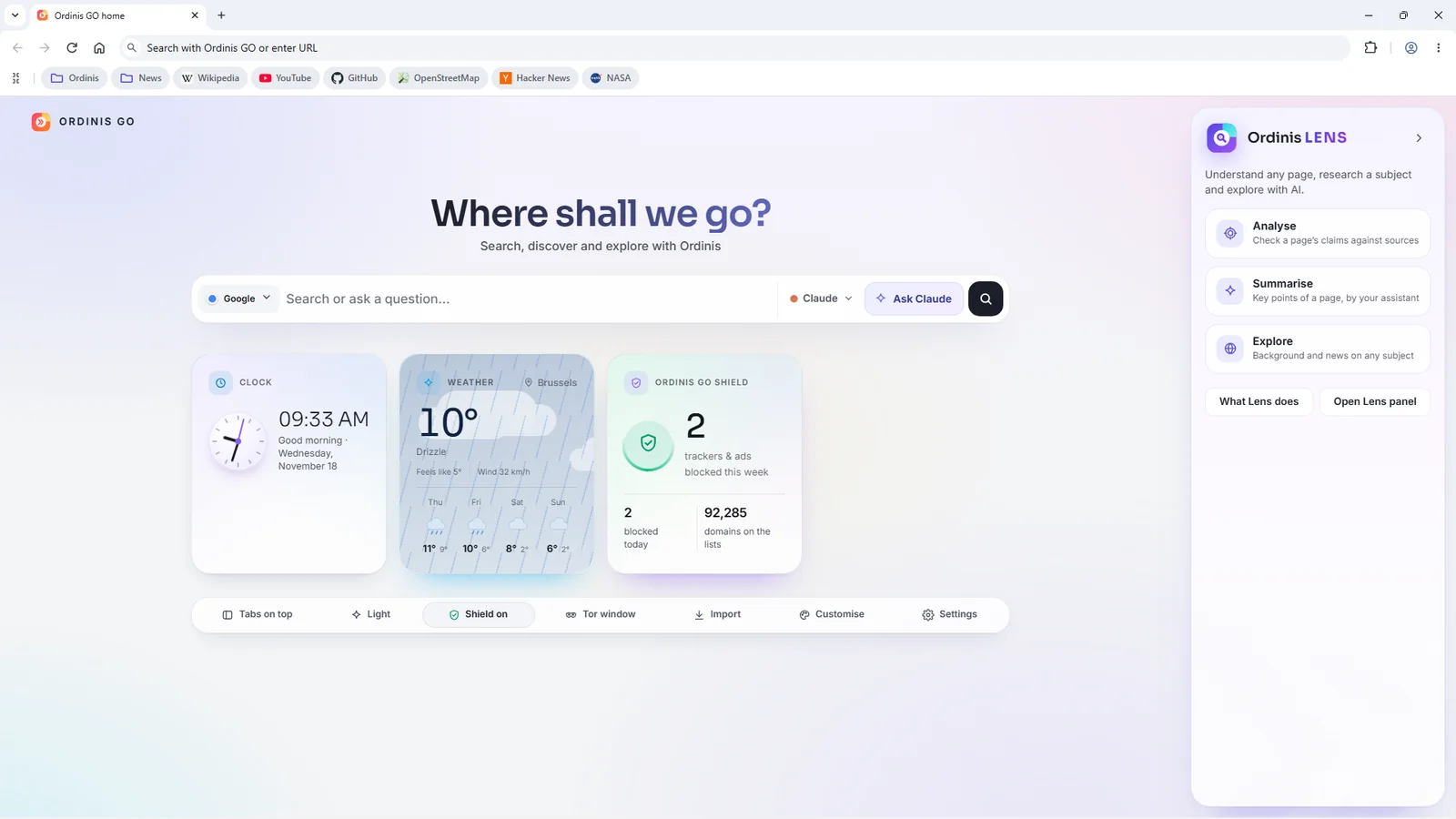
“Where shall we go?”: search or ask a question, with a live clock, real tracker counts, live weather with a four-day forecast, and quick controls for tabs, theme, Shield and Tor.
Import bookmarks from Chrome, Edge, Brave, Vivaldi and Opera, or from an HTML file.
English, French, Dutch, German, Spanish and Italian, including the browser’s own menus.
Card-style settings for HTTPS-only, secure DNS, cookies, passwords, pop-ups, startup and energy saving.
Chromium 158 with site isolation and the Chromium sandbox, so modern sites work as expected.
Privacy and security
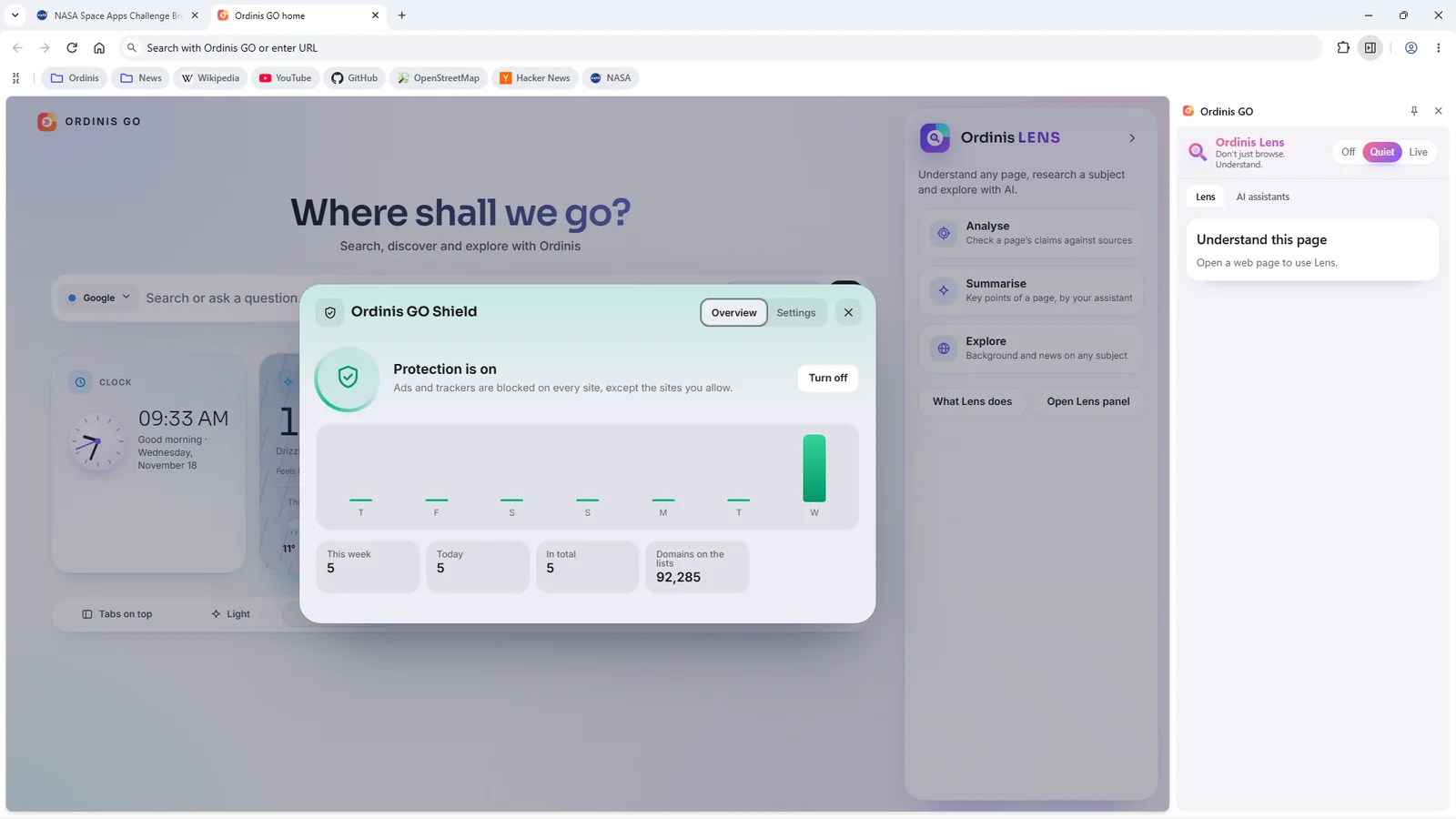
Blocks ad and tracker requests using the EasyList and EasyPrivacy lists, refreshed daily. Turn it off per site. Real block counts on the start page.
Private windows forget your session. Tor windows route through the Tor network in a separate process with extensions disabled. Tor reduces tracking; it does not guarantee anonymity.
Built without usage metrics, crash uploads or field trials.
Ordinis Lens
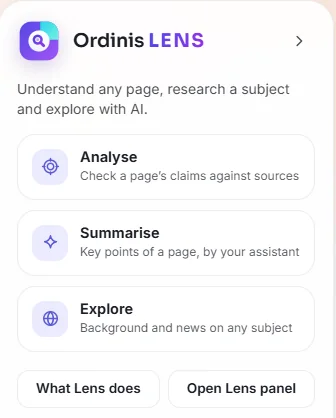
Lens sits in the side panel. Ask it to look at an article and it finds the checkable claims, who and what is mentioned, and what public sources say.
Search
Ordinis GO searches with one engine at a time and shows that engine’s own results page. Want a second opinion? Search again with another engine.
Technical information
Part of the family
Built in: side panel, toolbar button and “Check this article with Ordinis Lens” on news pages.
The Ordinis AI chooser on the Ordinis OS dock opens the assistant you pick in its own Ordinis GO window.
Recent milestones
Support us
Ordinis is independent. If an app helps you, you can support its development.
Support usPayments are handled securely by Stripe.
Explore the family

Finds the checkable claims on the page you are reading, gathers public sources, and shows what they do and do not support.

A calm, light desktop built on Debian 13, with the Ordinis Start menu, a glass dock and four Spaces for different kinds of work.

An encyclopedia you can explore by place, time and topic: a 3D globe, a timeline, illustrated articles and complete English and French reference libraries, with the source of every page shown.